
How to Calibrate Drone Compass: The 2026 Guide to Fix Drifting and Toilet Bowl Effect
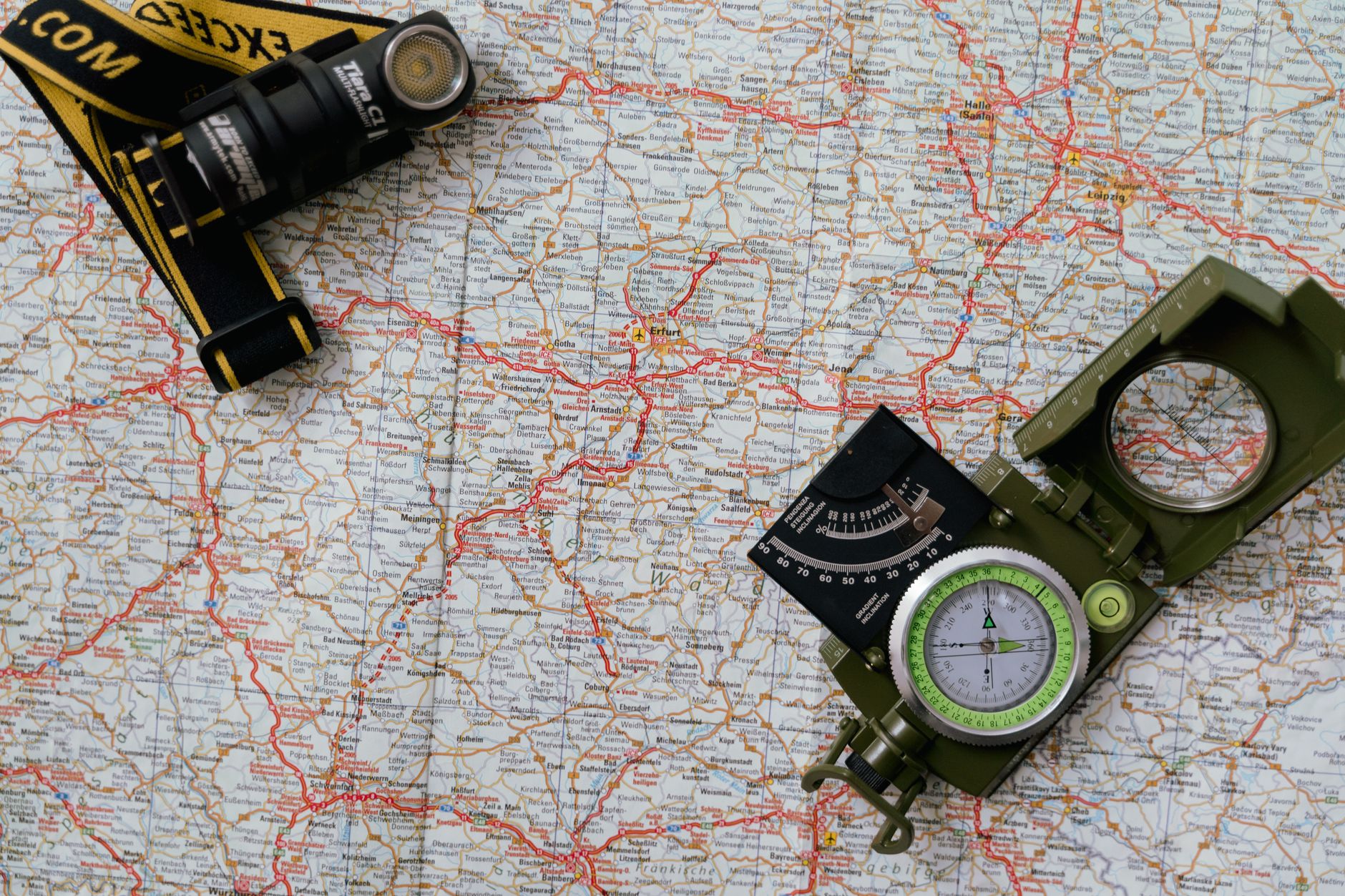
Your drone just executed a perfect automated mission—until it started spiraling like a possessed Frisbee. Welcome to the toilet bowl effect, the telltale sign that you need to learn how to calibrate drone compass systems properly.
With the FAA’s new BVLOS (Beyond Visual Line of Sight) rules rolling out this October and more pilots relying on automated waypoint missions than ever before, compass precision has shifted from “nice-to-have” to “mission-critical.” A single degree of magnetic error can translate to a 50-foot drift at 3,000 feet out. Whether you’re flying a DJI Mini 5 Pro or a custom FPV rig, understanding how to calibrate drone compass hardware is the difference between buttery smooth GPS holds and watching your $1,200 investment cartwheel into a pine tree.
Why Your Drone’s Compass Is More Confused Than Ever
Modern drones don’t just have one compass—they have magnetometers working alongside IMUs, barometers, and vision positioning systems. But here’s the catch: magnetic interference has doubled in the last three years.
Urban environments now bristle with 5G small cells, EV charging stations, and reinforced concrete that wreak havoc on magnetic fields. Even your landing pad matters. That “reinforced” concrete driveway? It’s laced with rebar that creates magnetic anomalies. I’ve watched pilots calibrate perfectly on their driveway, fly 200 feet, and wonder why their drone suddenly thinks north is southwest.
The 2026 twist: Newer drones like the DJI Mavic 4 and Autel EVO Max series now feature dual-compass redundancy. When they disagree, you get that dreaded “Compass Error” warning. Learning how to calibrate drone compass arrays isn’t just about spinning in circles anymore—it’s about understanding when your environment is lying to your aircraft.
When You Actually Need to Calibrate (And When You Don’t)
Calibrate immediately if:
- You’ve traveled more than 100 miles from your last flight location
- You’ve crashed or hard-landed recently (impacts knock magnetometers out of alignment)
- The app throws a “Magnetic Interference” warning
- Your drone drifts in GPS mode or exhibits toilet bowling (circular drifting)
- You’ve attached new accessories (ND filters, strobes, or payload releases can shift magnetic fields)
Skip the dance if:
- You’re flying in the same location daily
- You just updated firmware (most 2026 drones auto-calibrate after updates)
- You’re flying ATTI mode manually (no GPS assistance)
Pro tip: If you’re flying near cell towers, power lines, or steel structures, move 50 feet away and calibrate again. I’ve seen pilots calibrate perfectly on a metal pickup truck bed, then wonder why their drone flew sideways into a barn.
The Step-by-Step Calibration Dance (2026 Edition)
Here’s the exact sequence for how to calibrate drone compass systems on current models. This works for DJI, Autel, Skydio, and most FPV quads running Betaflight or ArduPilot.
Step 1: The Pre-Flight Check Remove your smartwatch, phone from your pocket, and any metal jewelry. Yes, really. I’ve seen a calibration fail because the pilot wore a magnetic bracelet. Power on the drone and transmitter, but keep the props off for safety.
Step 2: Horizontal Rotation Hold the drone level at waist height. Rotate 360 degrees horizontally (yaw axis) until the LEDs change pattern—usually from flashing yellow to solid green or blue. This takes about 4-5 seconds. Don’t rush it; smooth, steady rotation wins.
Step 3: Vertical Rotation Flip the drone 90 degrees so the nose points down (or up, depending on your model). Rotate another 360 degrees around the vertical axis. The LEDs should confirm success with a specific color pattern—check your manual, as DJI uses green while Autel uses purple.
Step 4: The FPV Exception If you’re flying FPV with a flight controller like the SpeedyBee F405, you’ll calibrate via Betaflight Configurator. Connect USB, go to the Setup tab, and click “Calibrate Magnetometer.” Rotate the quad in all axes until the 3D model shows full coverage. Critical: Do this at the field, not your workbench—bench power supplies emit magnetic fields that skew results.
Step 5: Verify the Fix Take off and hover at 10 feet. If the drone holds position without drifting or rotating, you’re golden. If it still toilet bowls, land immediately—you likely calibrated near interference. Move locations and repeat.
Advanced Troubleshooting: When Calibration Isn’t Enough
Sometimes you follow the steps perfectly and still get errors. Here’s your diagnostic checklist:
Check for firmware conflicts. The October 2026 DJI firmware update (v01.05.0200) introduced a bug where compass calibration would fail if the drone was on uneven ground. Update to the hotfix (v01.05.0201) released last week.
Inspect for magnetic damage. If you’ve crashed hard, the magnetometer itself might be physically damaged. Look for:
- Compass error immediately after arming
- Inconsistent heading in the app (jumps 30+ degrees while stationary)
- Red “Compass Stuck” warnings
The “Figure 8” method for stubborn cases. Some enterprise drones (Matrice 350, Autel Dragonfish) benefit from a figure-8 motion during calibration. This exposes the magnetometer to all three axes simultaneously, clearing stubborn magnetic biases.
Environmental red flags:
- Solar maximum activity: We’re approaching solar cycle 25’s peak in late 2026. High K-index readings (above 4) can cause GPS and compass anomalies. Check UAV Forecast before critical missions.
- Concrete curing: Fresh concrete (less than 6 months old) contains high metal content and moisture that creates magnetic shadows.
- Your car: Never calibrate within 20 feet of a vehicle. Modern cars contain dozens of electric motors and high-current wiring that create localized magnetic fields.
Conclusion: Fly Smart, Calibrate Smarter
Mastering how to calibrate drone compass systems is the mark of a pilot who respects their aircraft. As we head into the holiday flying season—with more BVLOS waivers being granted and automated missions becoming the norm—taking 30 seconds to perform that calibration dance can save you from a $2,000 insurance claim.
Remember: calibrate at the flight site, not the parking lot. Keep metal away, watch for solar weather, and when in doubt, land and recalibrate. Your drone’s compass is its sense of direction; treat it right, and it’ll bring you home safely every time. Now get out there and fly—just maybe check that K-index first.